A code on your things.
A way back to you.
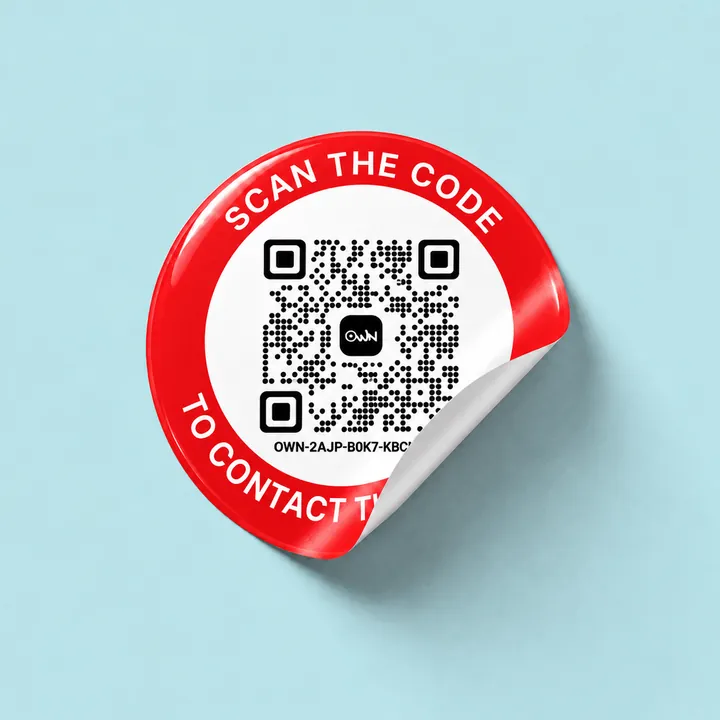
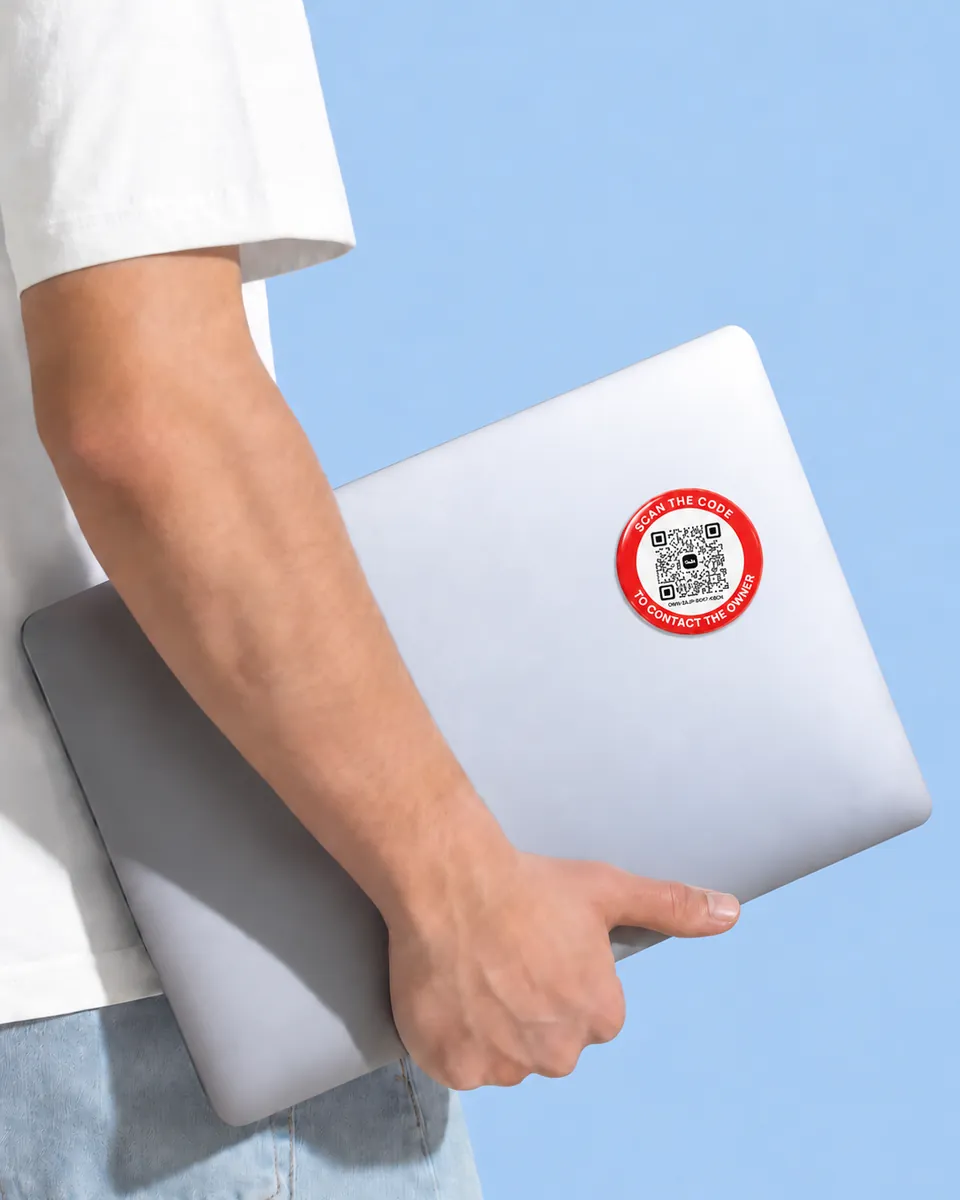
Stick it, clip it or hang it. Whoever finds your thing scans it with any phone camera and writes to you, and neither of you ever sees the other’s number.
- No app for the finder
- No battery, nothing to charge
- Arabic and English
Why a QR tag
A number on a label goes to anyone who reads it. An OWN tag reaches you, and only you.
Writing your number on your things works until it is in the wrong hands. A code does the same job and gives nothing away.
If found, please call
01•• ••• ••••
Your number, written on it
- Anyone who picks it up keeps your number
- They have to ring a stranger to give it back
- Change your number, and every label is wrong
An OWN tag
- The finder writes to you through OWN and never sees your number
- You never see theirs either
- Change the note, the name or the reward in the app. The tag stays as it is
- Pause it whenever you like
How it works
Two people, one scan. Neither of them sees a number.
The finder needs nothing but a phone camera. You need the OWN app, which is free. This is what happens on each side.
- They scan the codeThe camera already on their phone reads it, iPhone or Android. No app to install, no account to make.
- A page for that item opensIt shows what you chose to put on the tag: a note, a reward if you offer one, and whether it has been reported lost. Never your number.
- They send you a messageThey pick one of the ready messages or write their own. Their number stays with OWN.
You found something.
Send its owner a line and they will get it straight away.
Pick a message, or write your own
- You get an alertThe moment it is scanned, with the message they wrote.
- You reply in the chatAnswer them and agree where to meet. Neither of you sees the other’s number.
- It comes backMeet where you agreed and take it home. Offer a reward as a thank-you if you like.
Their number stays hidden, and so does yours
Hi! I found your laptop in the library.
Thank you so much! Could you leave it at the front desk?
Done. It is with the desk now.
Add a tag
Out of the pack, and on your account in a minute.
It all happens in the OWN app, on iPhone or Android. The tag works the moment you finish.
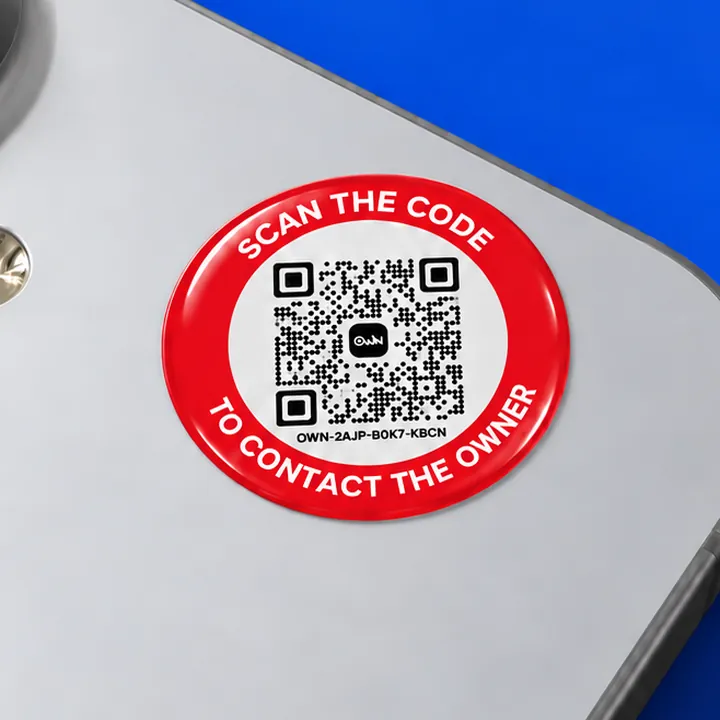
- 1Scan your tagTap Add a Tag and point the camera at the QR, or type the twelve characters printed under it.
- 2Prove it is yoursOnly for a tag that did not come from findown.co: type the activation code from the card in its pack.
- 3Tell us about itSay what it is on, give it a name and choose what a finder sees. You can change all of it later.
Ordered it from findown.co? It is already on your account, waiting under My Tags. You only name it.
Scan your tag
Point the camera at the QR on your OWN tag. The rest comes after.
or enter manually
Where it goes
If you would miss it, it can carry a code.
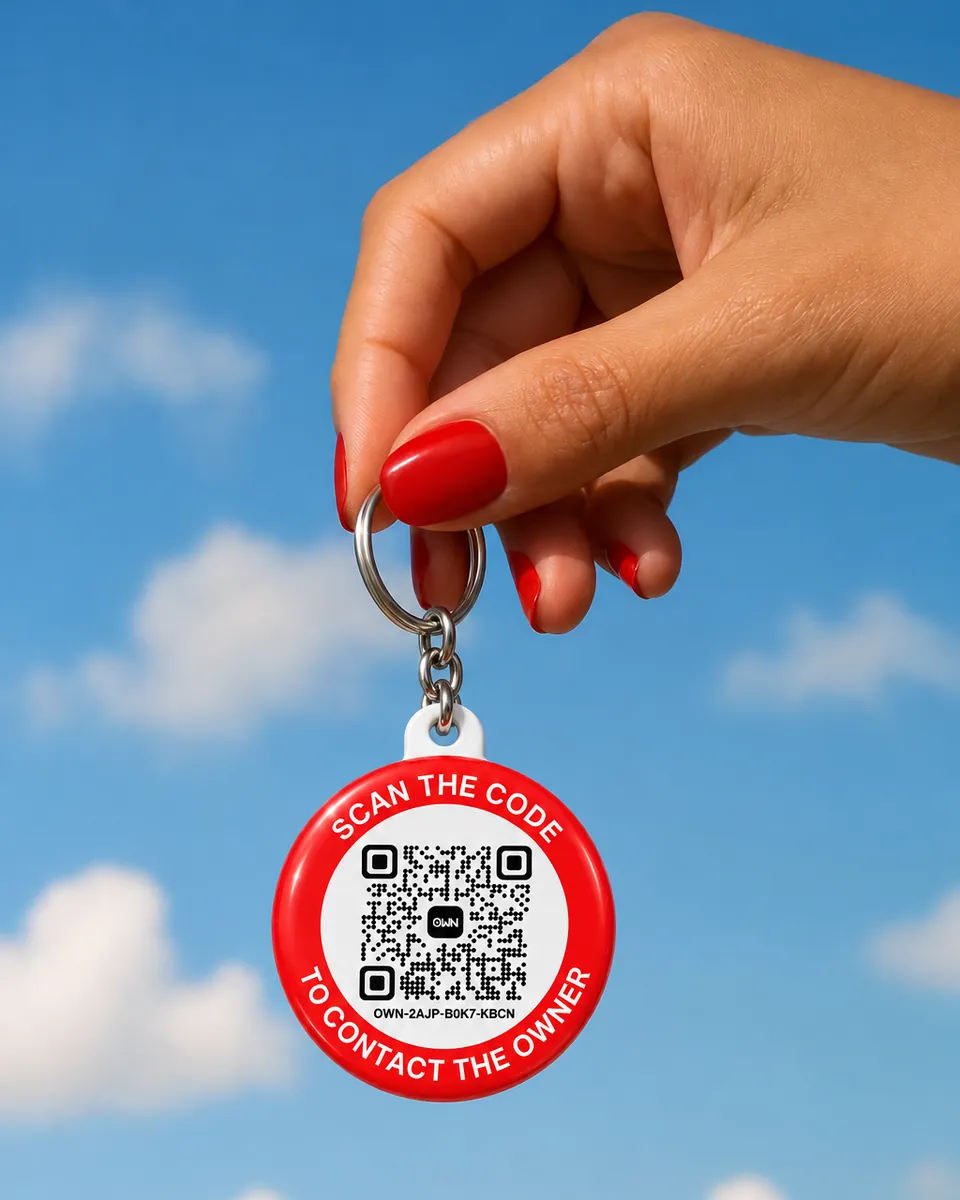
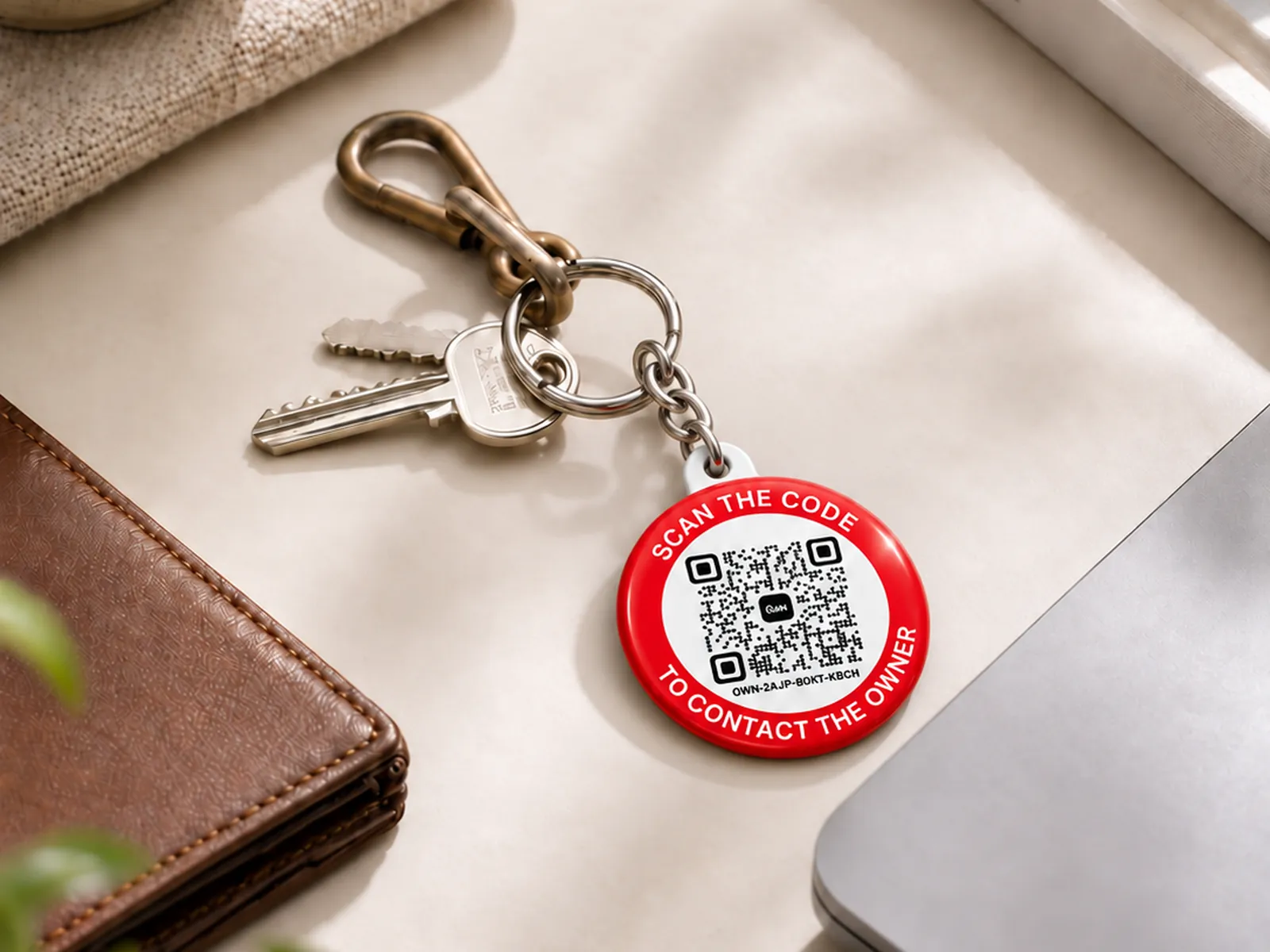
Stick on a sticker, hang the keychain or strap on the luggage tag. These are a few of the places ours live.
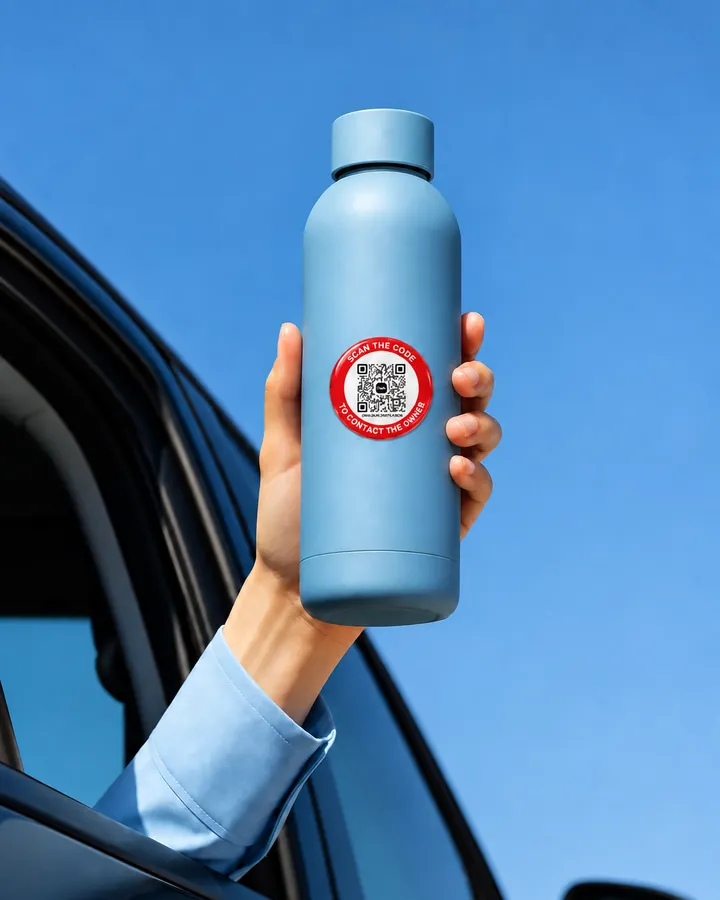
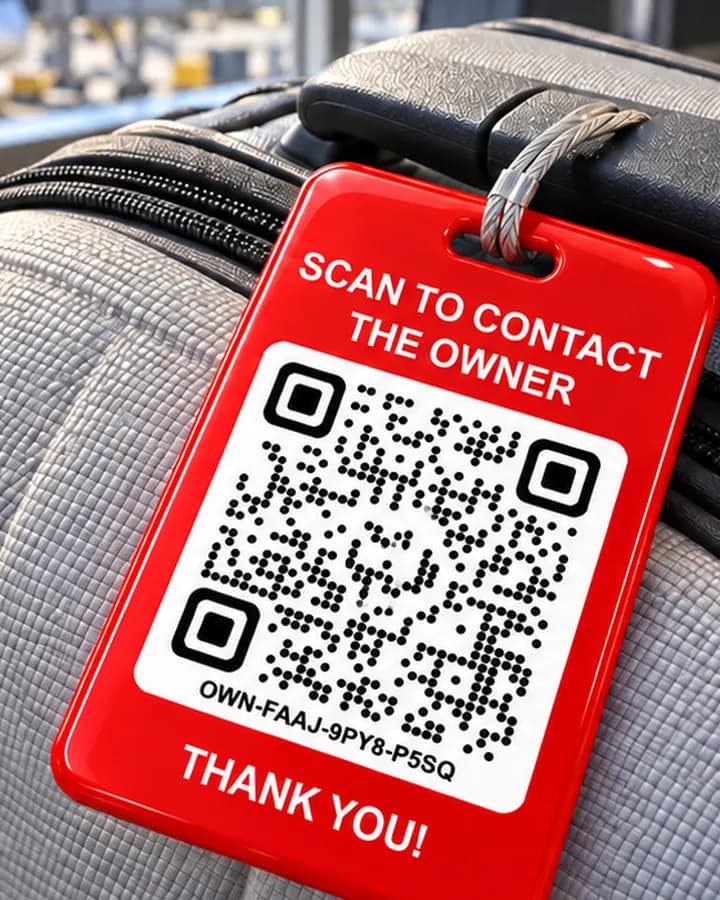
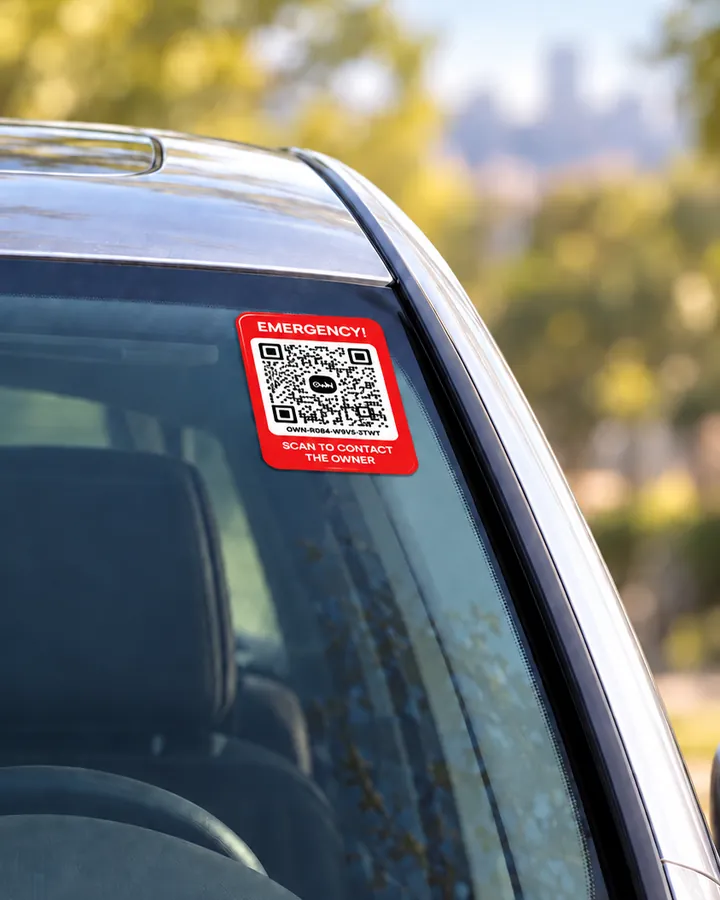
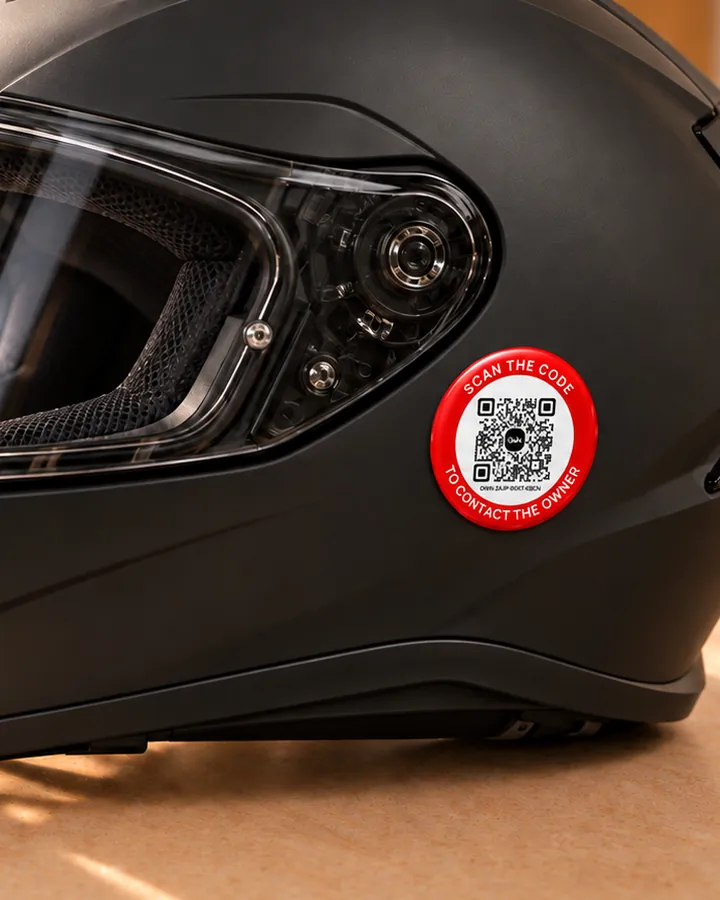
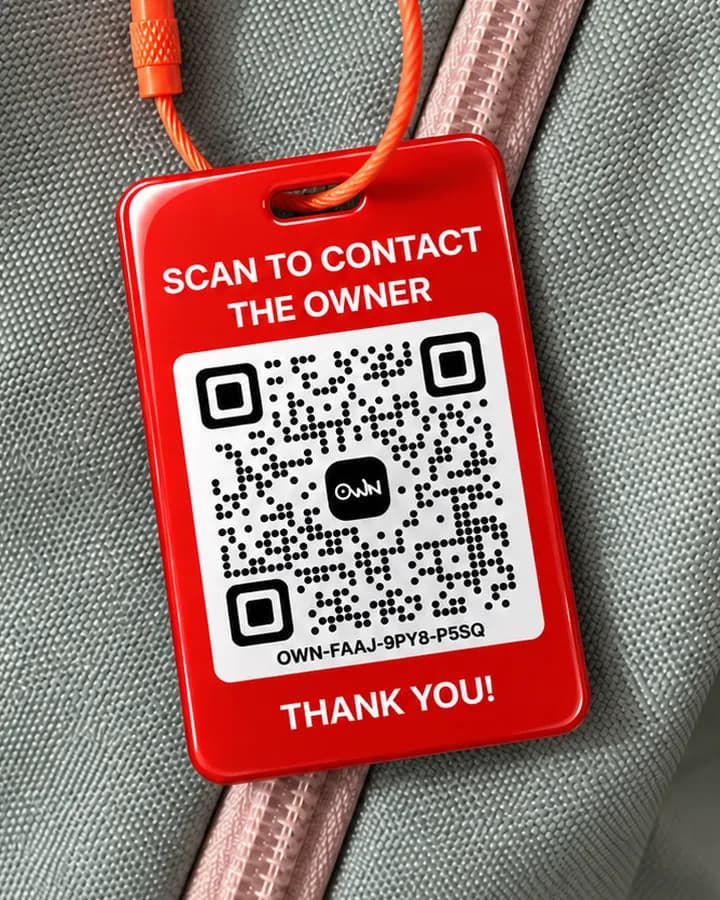
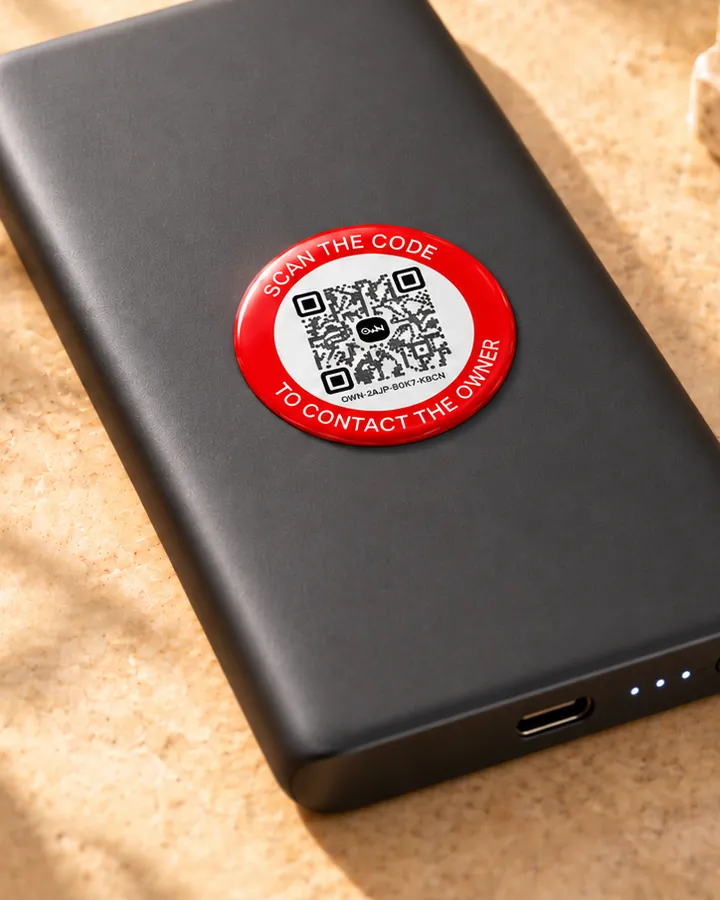
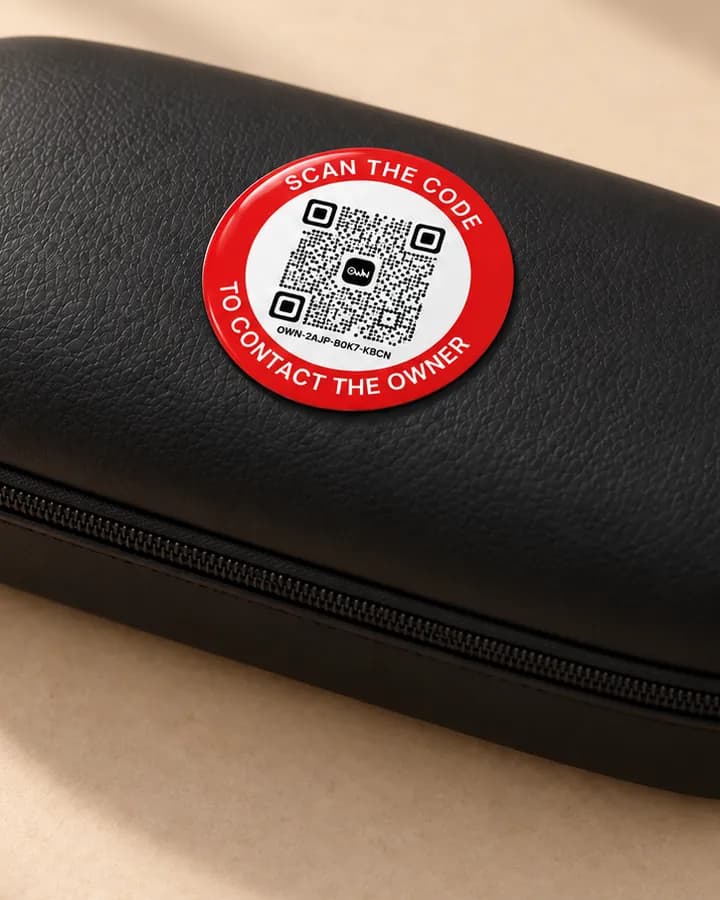
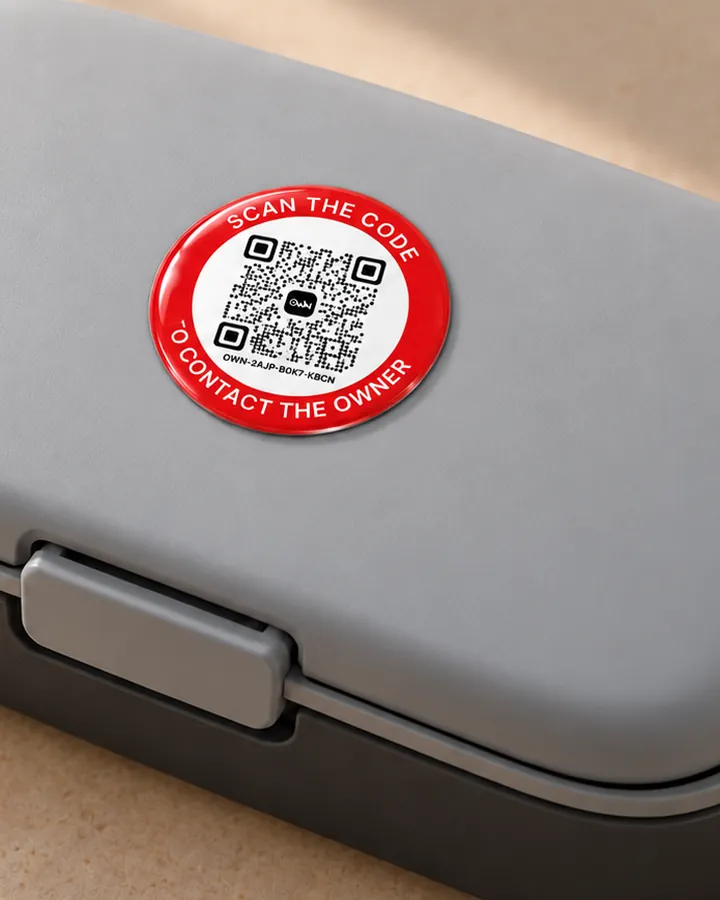
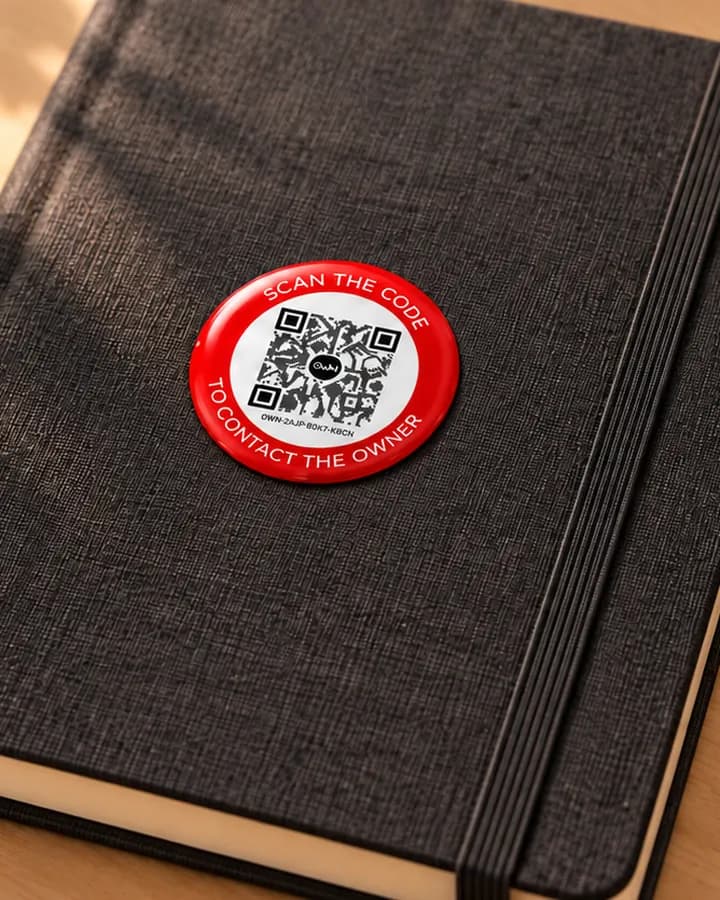
And anything else you would hate to lose
- Laptop
- Phone
- Camera
- Tablet
- Earbuds case
- Charger
- School bag
- Pet carrier
Drag to see more
And anything else you would hate to lose
- Laptop
- Phone
- Camera
- Tablet
- Earbuds case
- Charger
- School bag
- Pet carrier
Features
Small tag, everything you need to get it back.
Every one of these is in the app and on findown.co today.
Lost mode and a reward
Turn lost mode on and whoever scans it sees a lost notice, your note, and the reward if you offer one.
A message from the owner
“Thank you for scanning. Please message me here and I will come for it.”
Reward offeredOWN never holds the reward. You settle it between you when it is back.
Told the moment it is scanned
A notification reaches you as soon as somebody scans it, with what they wrote.
Your number stays hidden
You talk in a chat on OWN. Neither of you ever sees the other’s number.
Any phone camera
iPhone or Android, with the camera already on it. No app to download, no account to make.
They can say where it is
The finder can share where they are, or tell you where they left it.
Pause it
Switch a tag off for a while. Whoever scans it is told it is paused, and messages do not reach you.
Change it any time
The name, the photo and your note to finders change in the app. The sticker stays as it is.
Shared with your family
Give family or friends access: they get its alerts and can answer finders too.
No battery, nothing expires
Nothing to charge and no subscription. The code keeps working.
Arabic and English
The finder’s page and the app speak both, so anyone who finds it can help.
Privacy
What never gets shared.
OWN is built so that a stranger can give something back to you without either of you handing over a phone number.
No phone numbers, either way
You and the finder talk in a chat on OWN. Their number is not shown to you, and yours is not shown to them.
The page shows what you choose
A finder sees only what you put on the tag. Your name stays hidden unless you switch it on.
You decide when it answers
Pause a tag whenever you like, and nobody can message you through it until you switch it back on.
Shared only with people you pick
Family and friends see a tag only when you share it with them.
What they are made of
Made to stay on, out in the rain and in the bag.
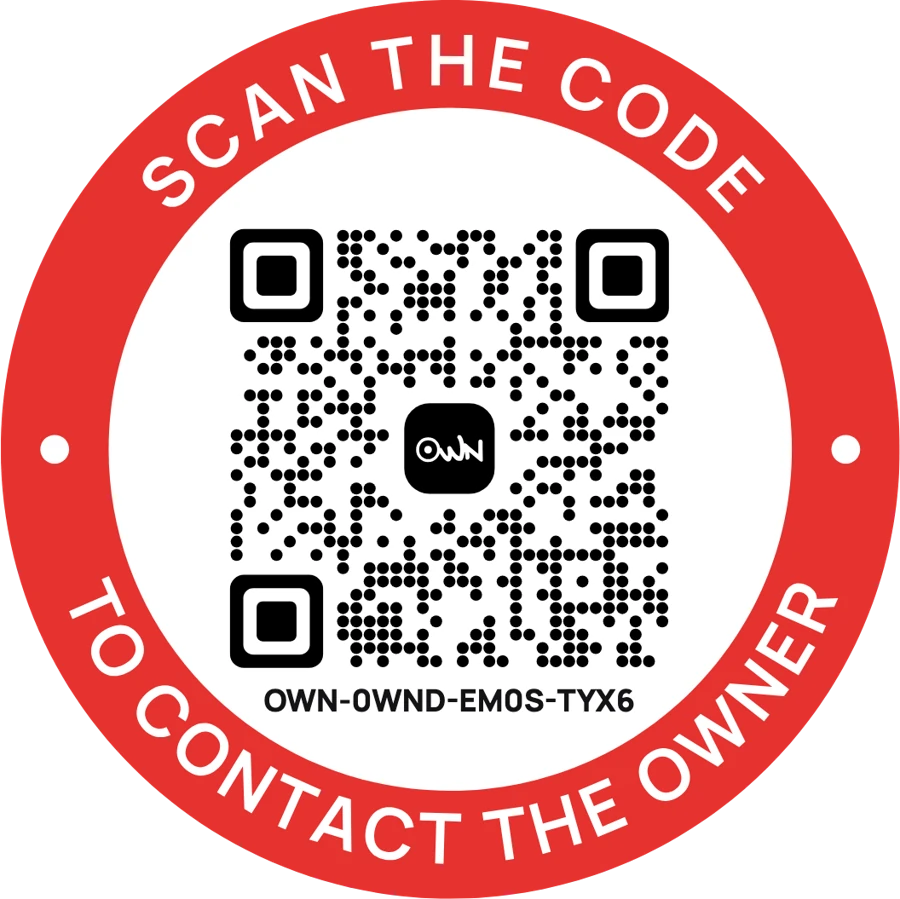
Every OWN tag is your printed code sealed under clear epoxy resin. Pick one to see how it is put together.
Printed vinyl under a clear resin dome, on a strong adhesive back. Round, rectangle, or the one for the car window.
The OWN app
Every scan, the moment it happens.
Add your tags, get an alert when one is scanned and answer whoever found it. The app is free, on iPhone and Android, and the same account works at findown.co.
- An alert on every scan
- Reply in the chat
- Report it lost
- Offer a reward
- Pause a tag
- Share with your family
Or sign in at findown.co on a computer.
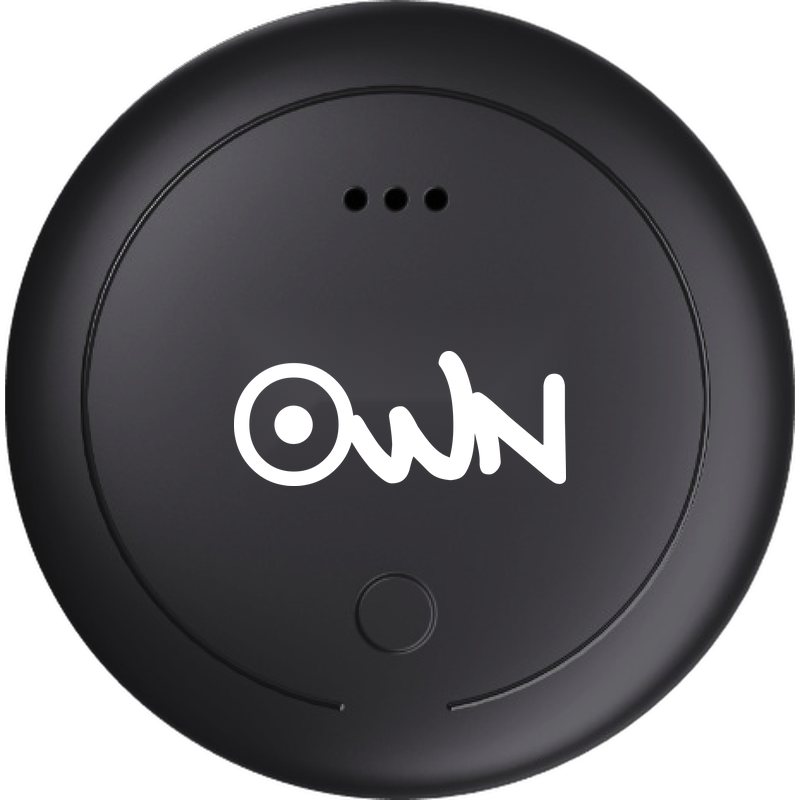
The QR range
Pick yours. Every one reaches you the same way.
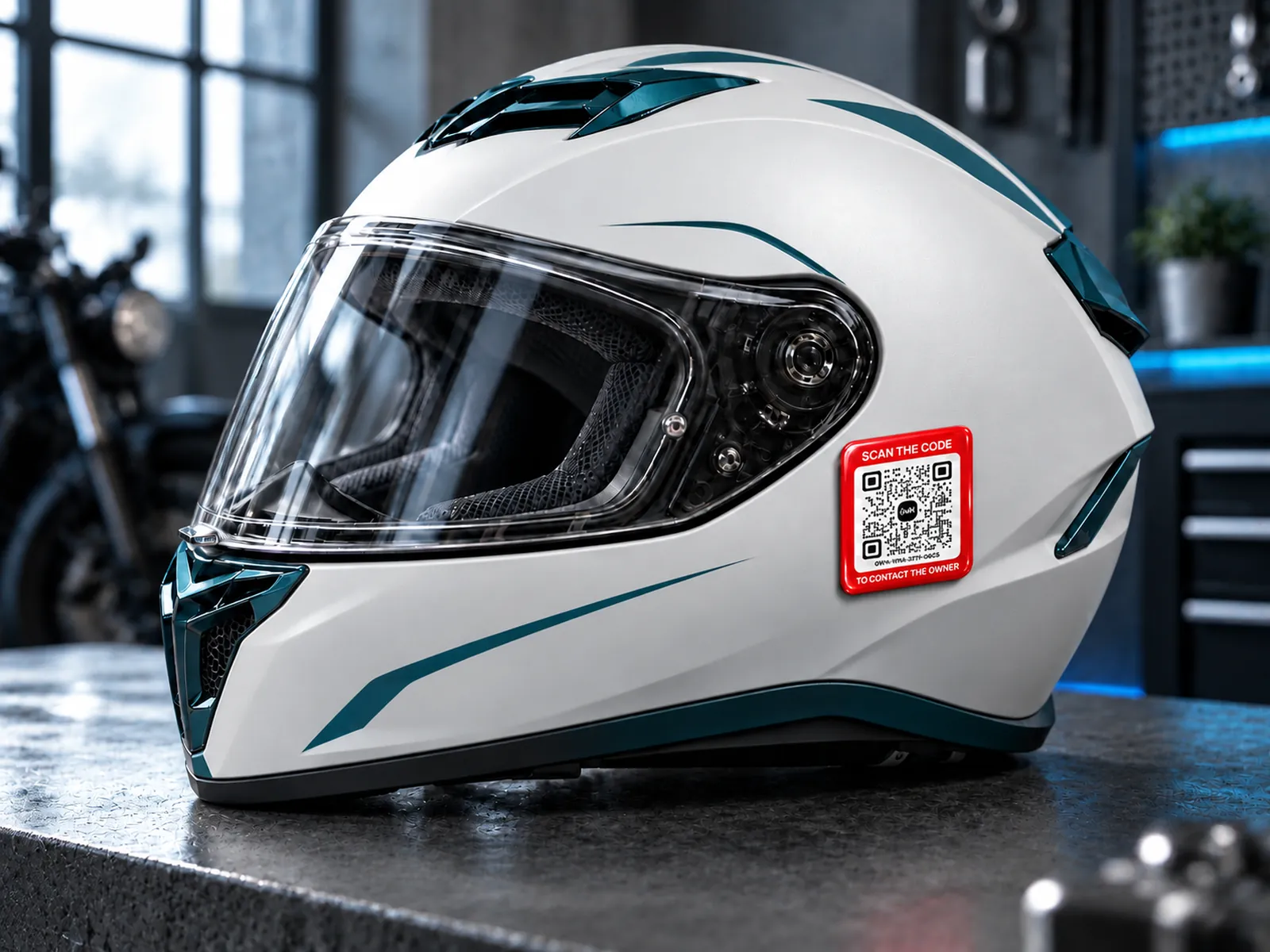
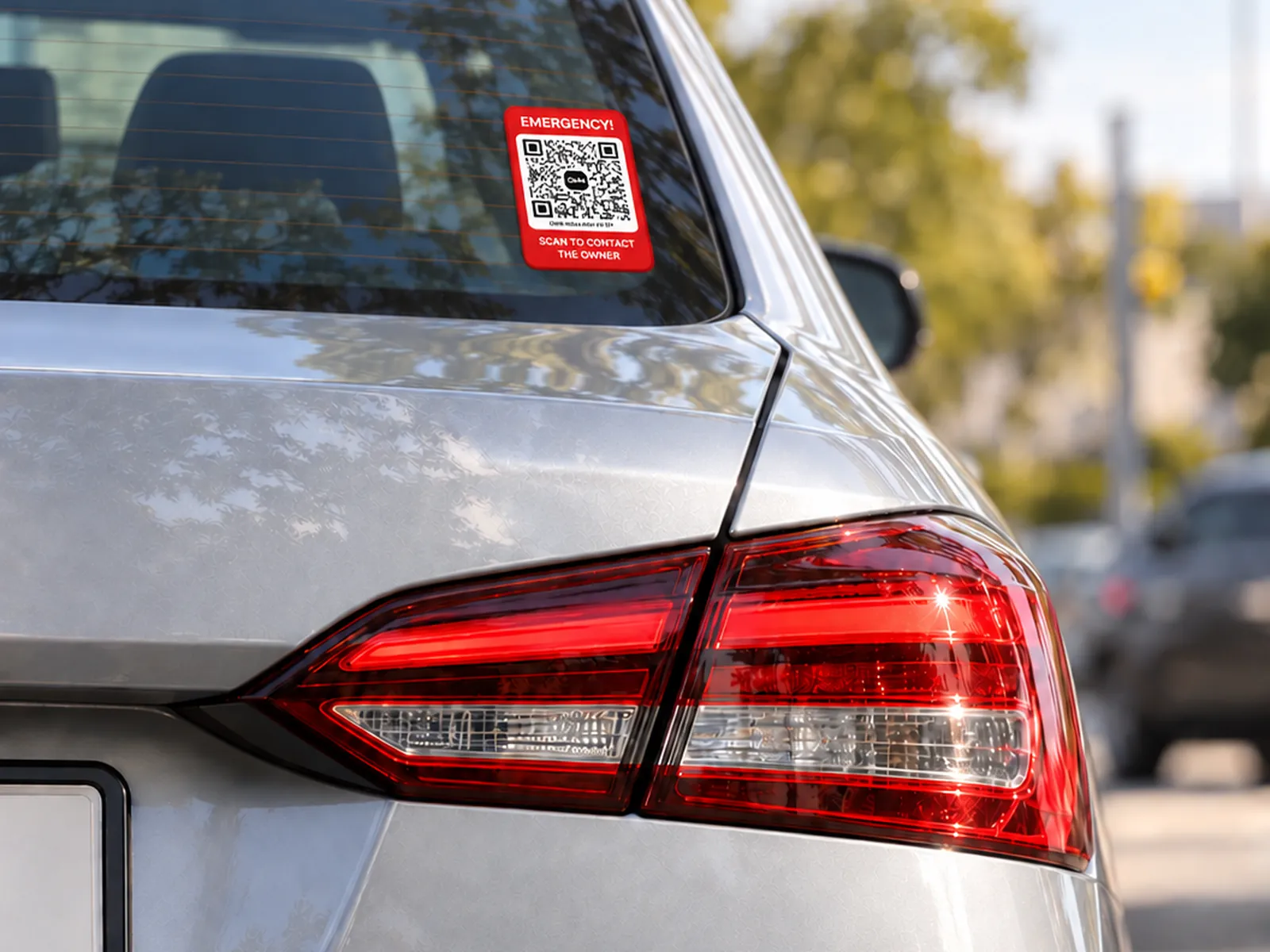
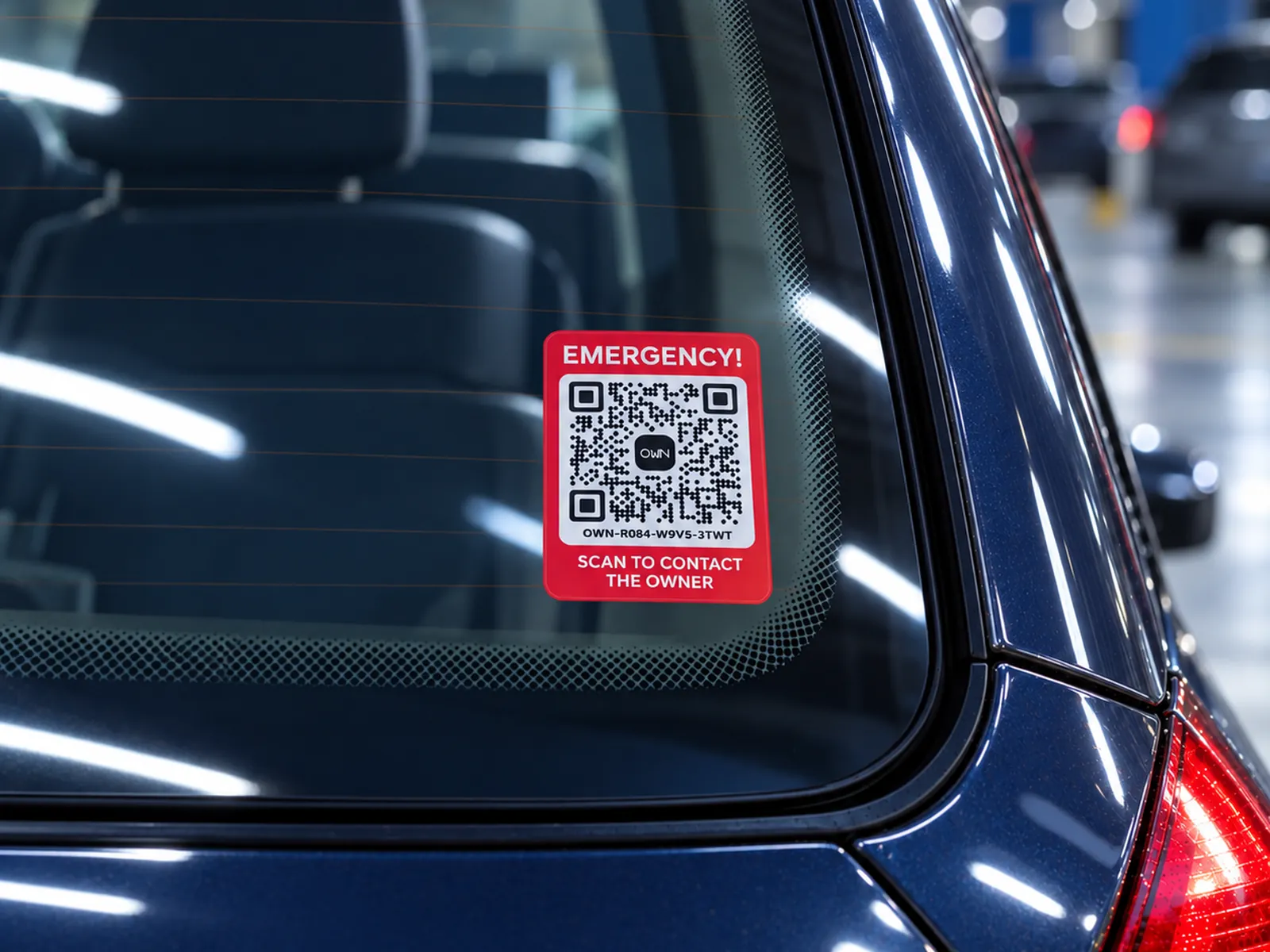
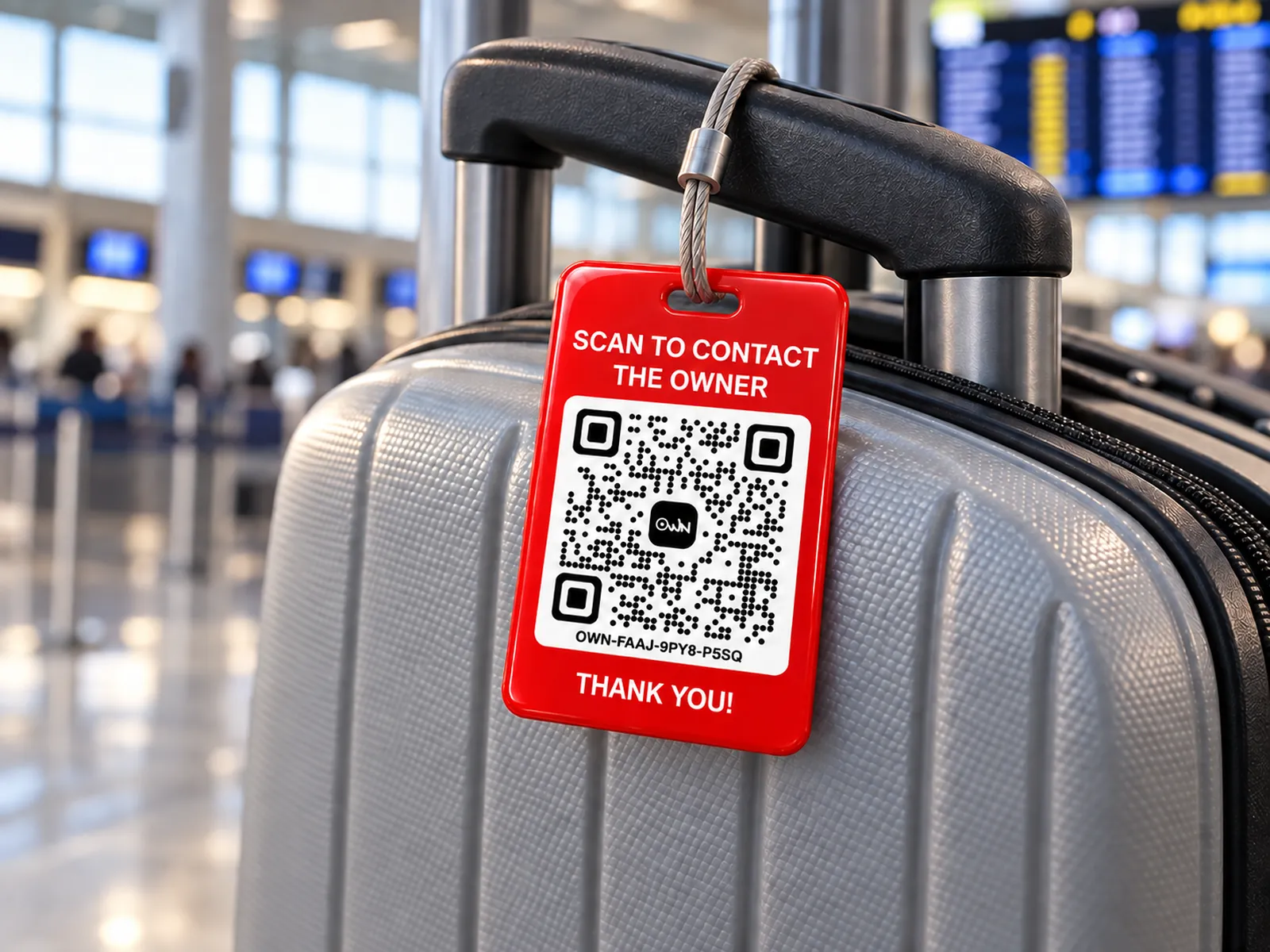
Stickers, the car sticker, the luggage tag and the keychain. Printed pieces ask for a size first.
Questions
What people ask about the tags.
Anything else? The help centre has the rest, in Arabic and English.
No. A scan with any phone camera opens a web page, and they can message you from there.
No. You talk in a chat on OWN, and neither side ever sees a number.
A page for that one item, with what you chose to show on it: your note, a reward if you offer one, and your name only if you switched it on.
In the OWN app, tap Add a Tag and scan the code, or type the twelve characters printed under it. A tag ordered from findown.co is already on your account; any other asks for the activation code on the card in its pack.
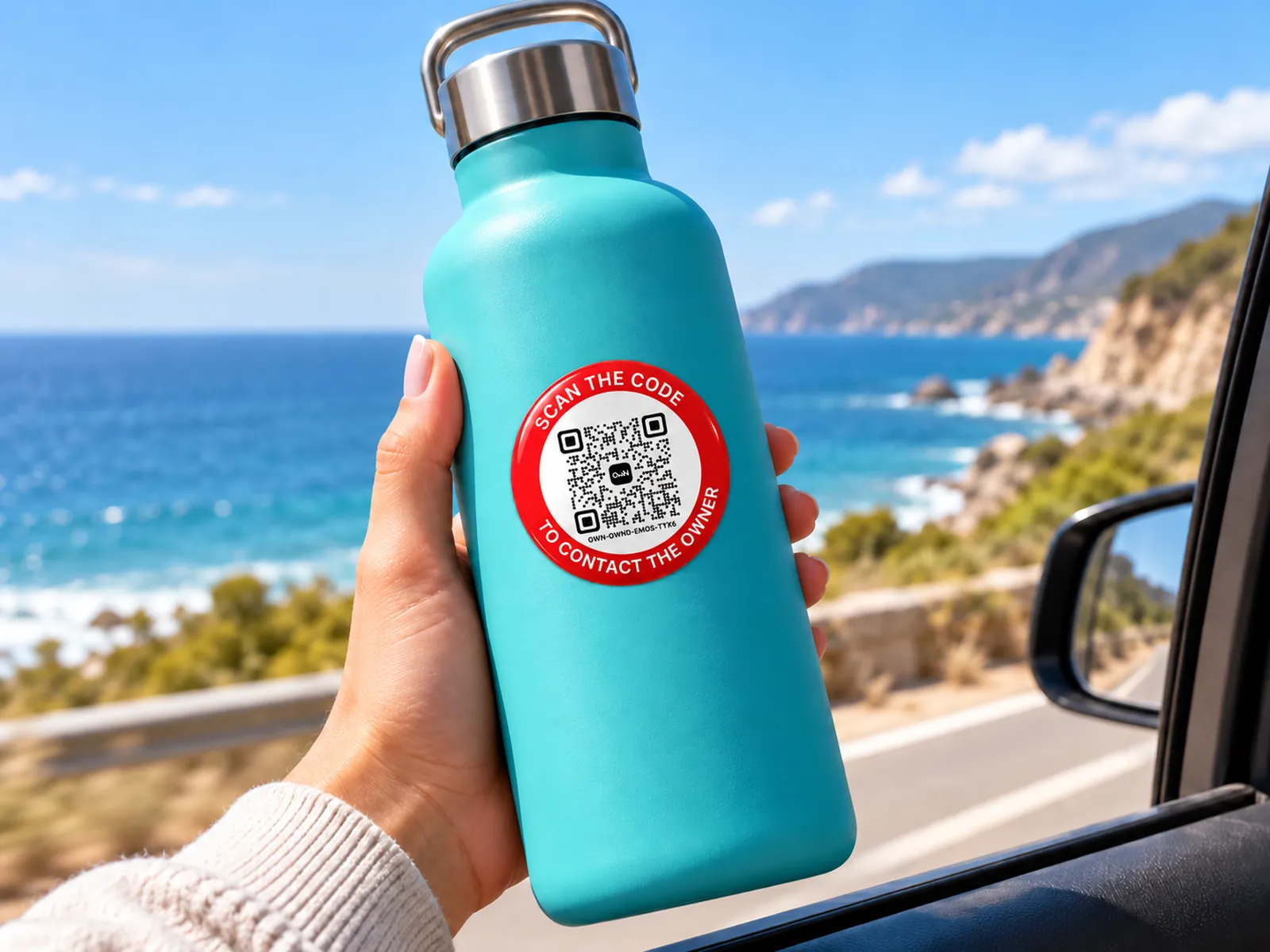
The stickers are: each one is a waterproof resin sticker, so it can go outdoors, on a bottle or on the car. The luggage tag is a resin sticker on acrylic, and the keychain is acrylic.
Whoever scans it is told it is paused, and messages do not reach you until you switch it back on.
No. You choose whether to offer one and how much, and whoever scans the tag is told a reward is offered. You settle it between you when the thing is back: OWN never holds it, pays it or takes anything from it.
Yes. In the app, add each sticker to the same thing: they share one name and one lost switch, and any of them reaches you the same way.
No. There is no subscription, and the code keeps working.
No. A QR tag tells you when it is scanned. The OWN Tracker is the one that shows where it was last reported.
Yes. The app and findown.co are free. You pay only for the tags.